As an Account Owner, you will now see Chaos Credits Management in your portal.
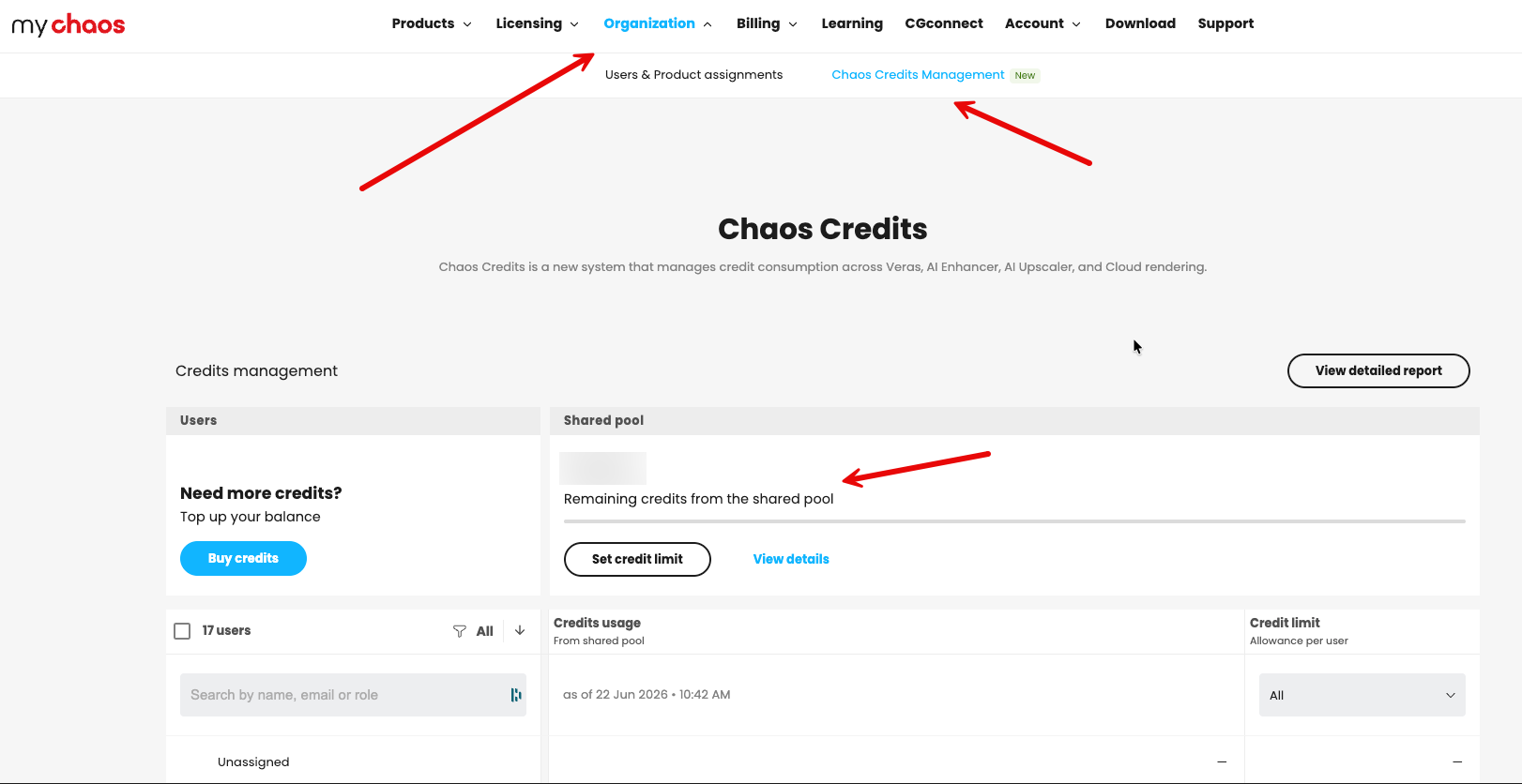
Here, you can see how many total credits you have—in this case, from the shared pool (Floating).
Depending on your specific situation, you can view how many credits an individual user has left. As an admin, you can assign credits specifically to someone.
Alternatively, you can leave it as the default floating setup, allowing everyone in your pool to share and use the Chaos Credits.
If you don't want this, make sure to set a limit for users or ensure that you purchase named credits instead.
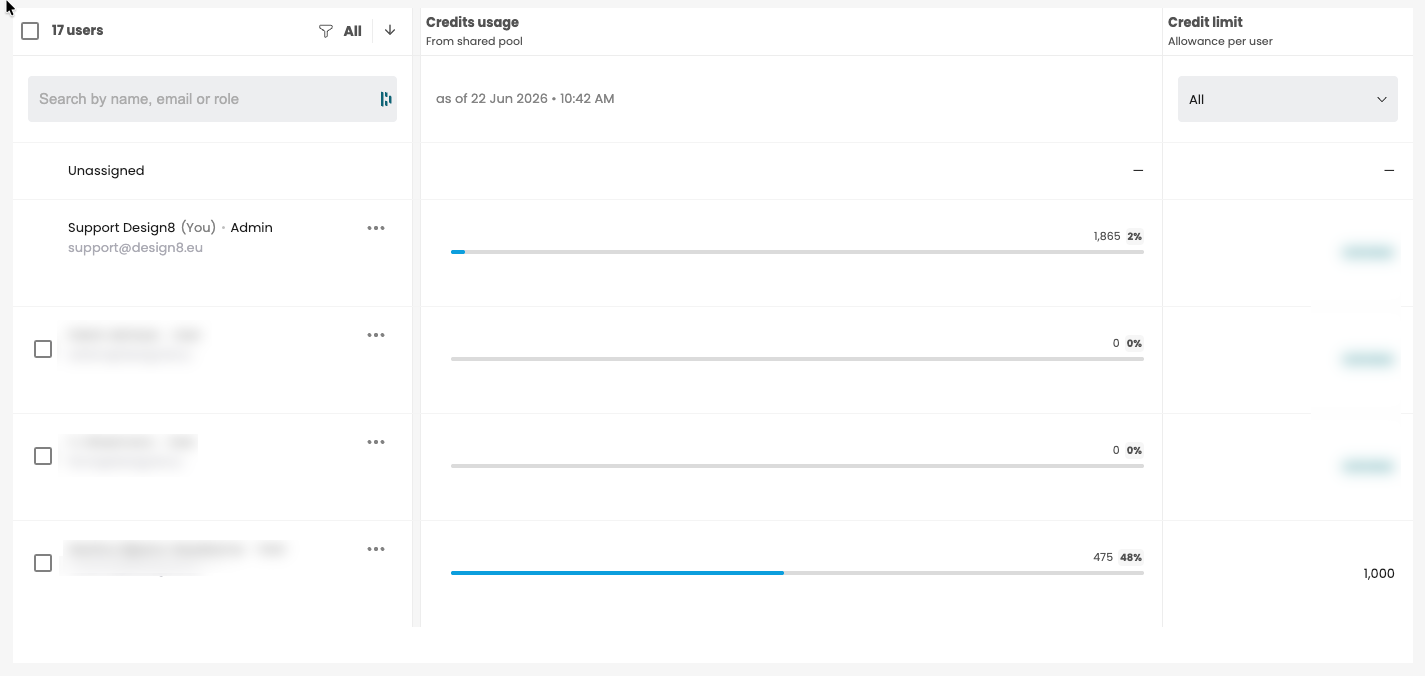
How do you set a limit?
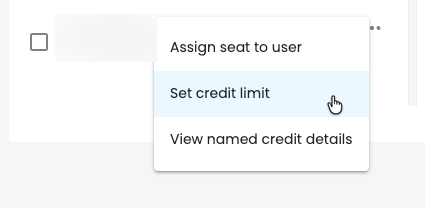
Click on the three dots (...) and select Set credit limit.
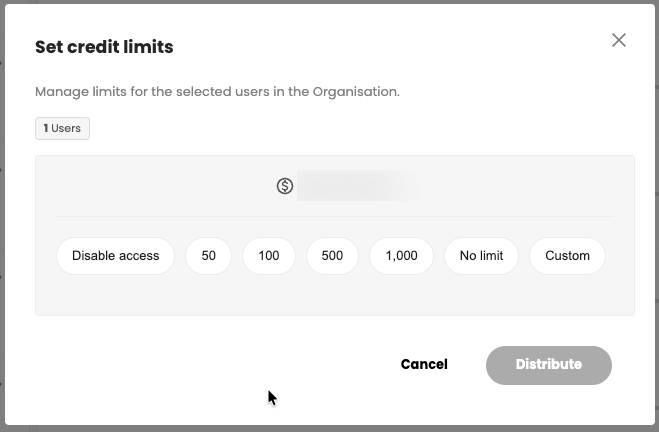
Choose the desired amount and click Distribute. You can also enter your own specific amount by selecting Custom.
Was this article helpful?
That’s Great!
Thank you for your feedback
Sorry! We couldn't be helpful
Thank you for your feedback
Feedback sent
We appreciate your effort and will try to fix the article