You can create this file using the Chaos License Settings application. Follow the steps in the screenshot: double-click the app and then click 'Save' to generate the vrlclient.xml file. Once this is complete, V-Ray should work correctly. 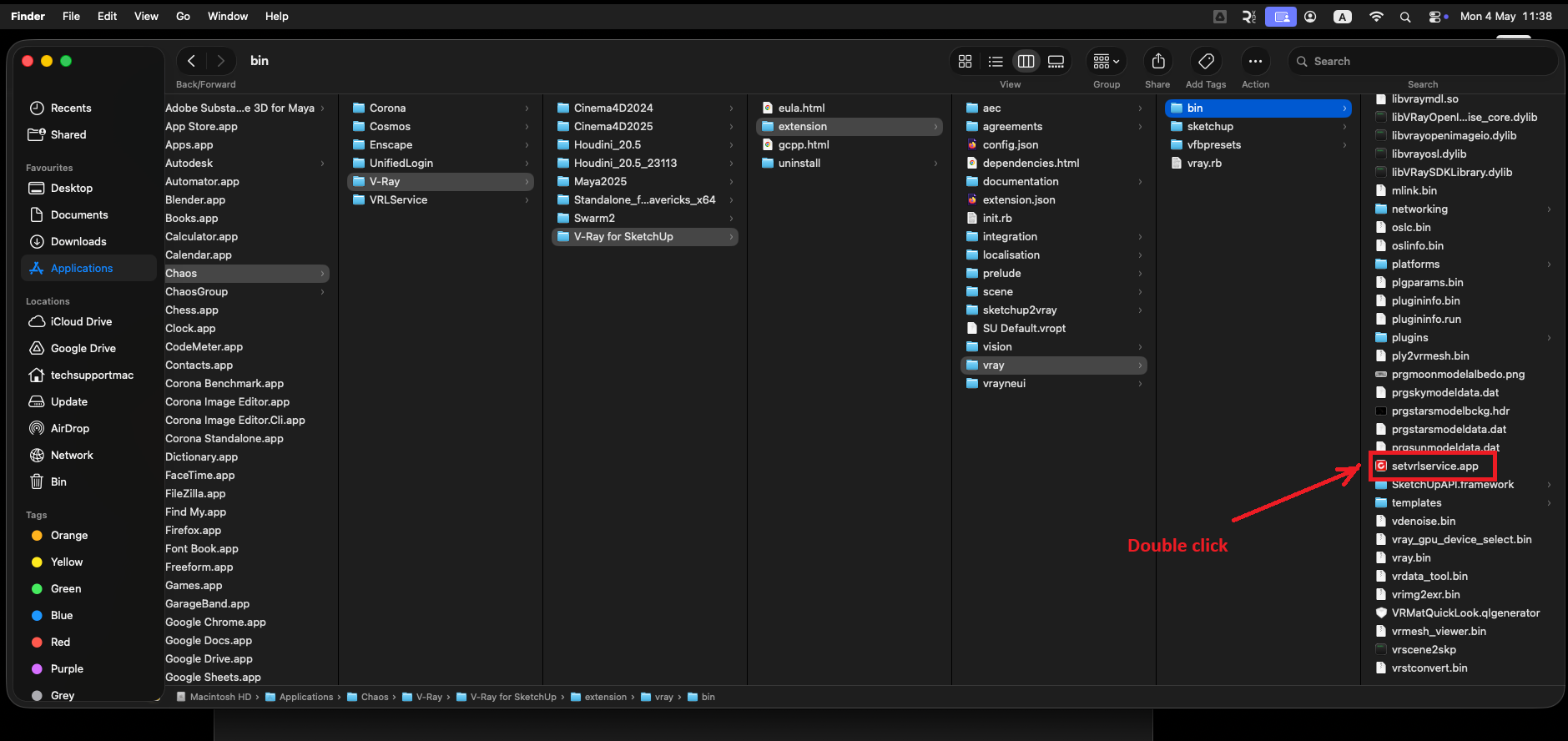
Was this article helpful?
That’s Great!
Thank you for your feedback
Sorry! We couldn't be helpful
Thank you for your feedback
Feedback sent
We appreciate your effort and will try to fix the article