Yes, Veras can be used via the web interface in a browser. This allows you to upload images or models and use the AI visualization tools without having to install a plug-in in a 3D modeling program.
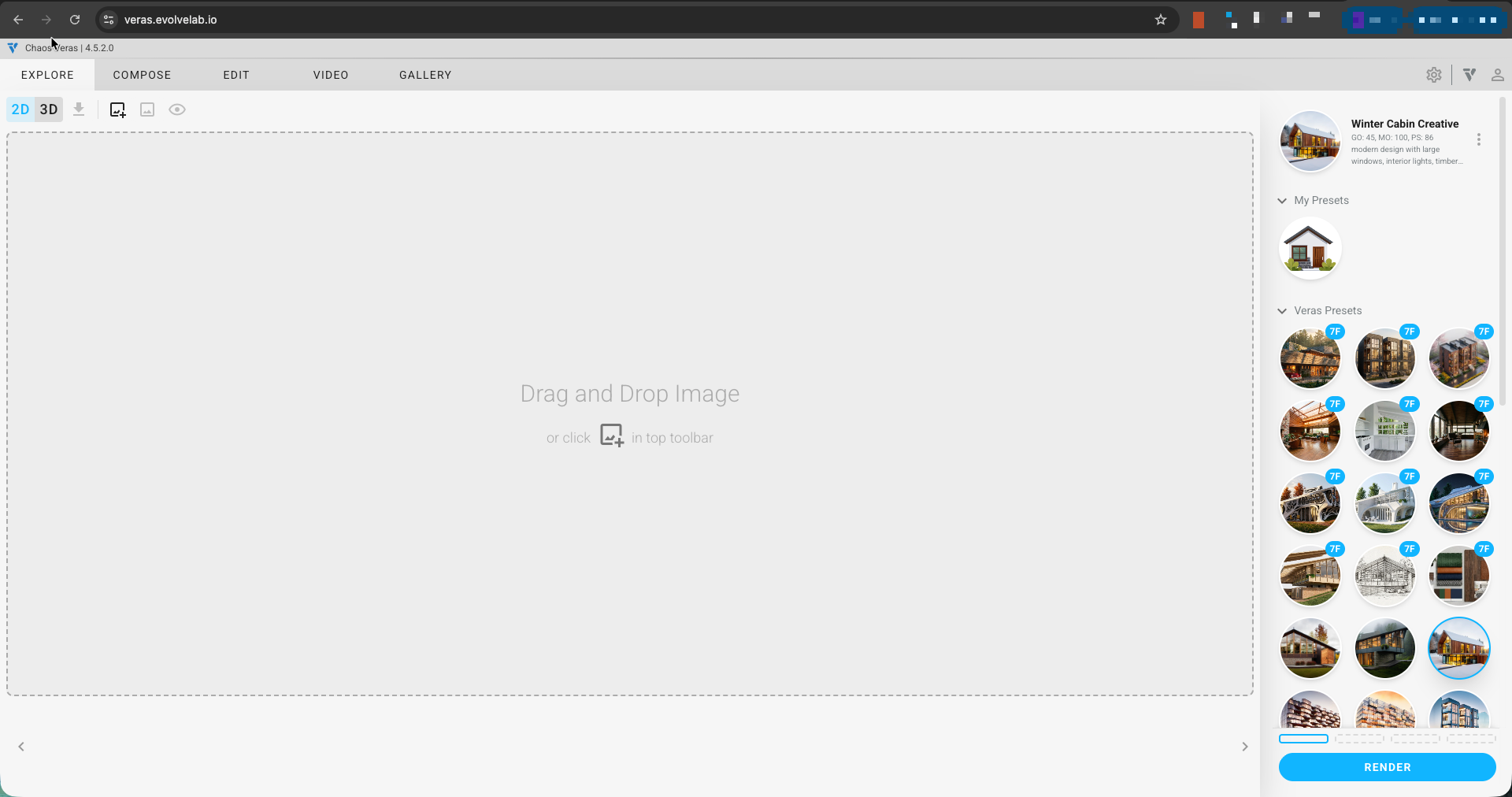
What are the steps to use Veras in a web browser?
Follow these steps to use Veras in your browser:
- Go to the Chaos Veras web app https://veras.evolvelab.io/ and log in with your Chaos account.
- Open the Veras interface from your dashboard
- Upload an image or an export of a 3D model (such as a render or screenshot)
- Enter a prompt describing the desired style or changes.
- Adjust settings if necessary, such as style, strength, or resolution
- Click Generate to create AI-enhanced images
- Download or save your results as soon as processing is complete.
Was this article helpful?
That’s Great!
Thank you for your feedback
Sorry! We couldn't be helpful
Thank you for your feedback
Feedback sent
We appreciate your effort and will try to fix the article